BZLink.io · One QR code for your whole business. Start free
Free tool

Free QR code generator,
no sign up.

Link, WhatsApp, wifi, contact, event and more, with a frame, a shape and your colors. No account, no watermark and no expiration date. It is made in your browser: what you type never leaves your device.

1Choose what your QR code opens

Made by this generator

With a BZLink.io profile

2Fill in the content

Your website, your menu, your booking page or any address.

3Design it

4Download it

What if your number or your page changes tomorrow? With a free BZLink.io profile your QR code goes to your profile, and you change the profile whenever you want without reprinting.

Create your free profile
Real profiles

This is what a BZLink.io profile looks like

Businesses that already use it, plus a few examples for other industries. Each one with its QR code.

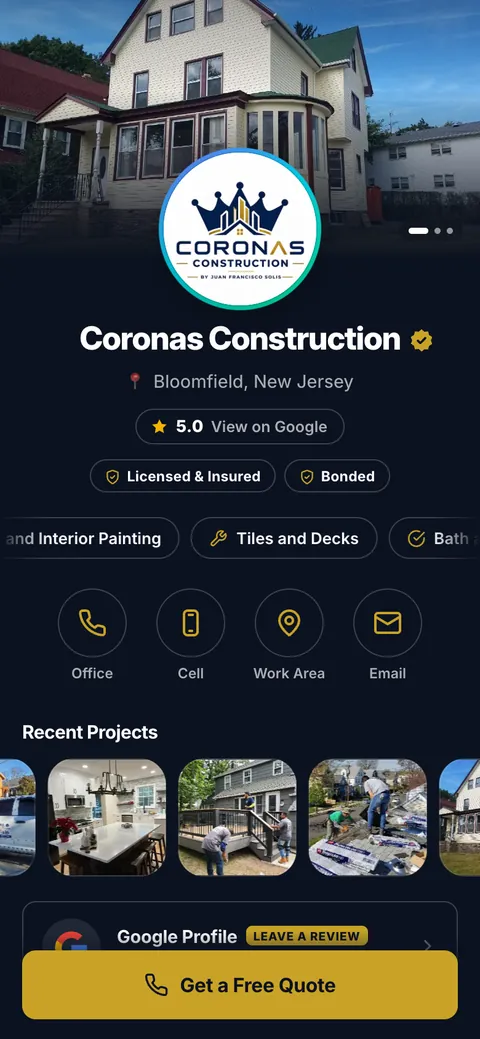
  • Profile of Coronas Construction
    Coronas ConstructionConstruction
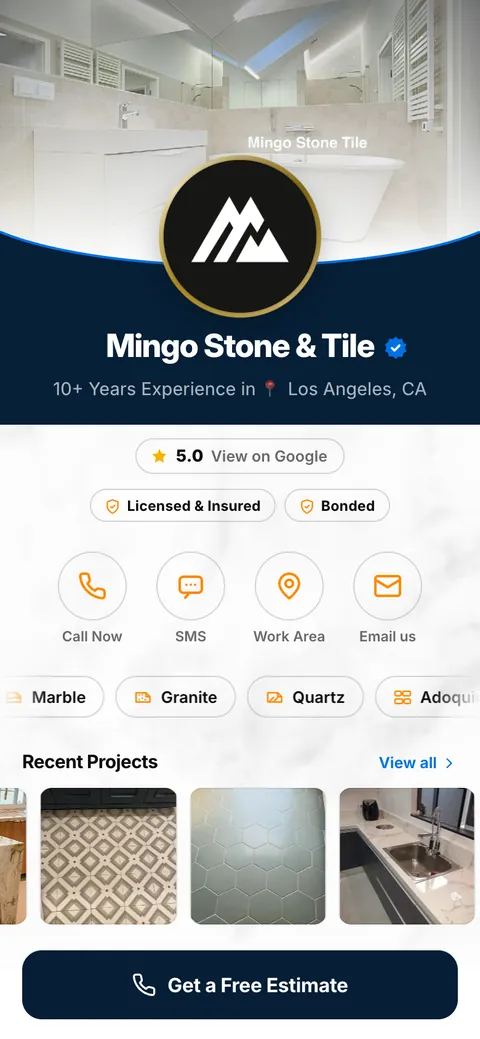
  • Profile of Mingo Stone & Tile
    Mingo Stone & TileStone and tile
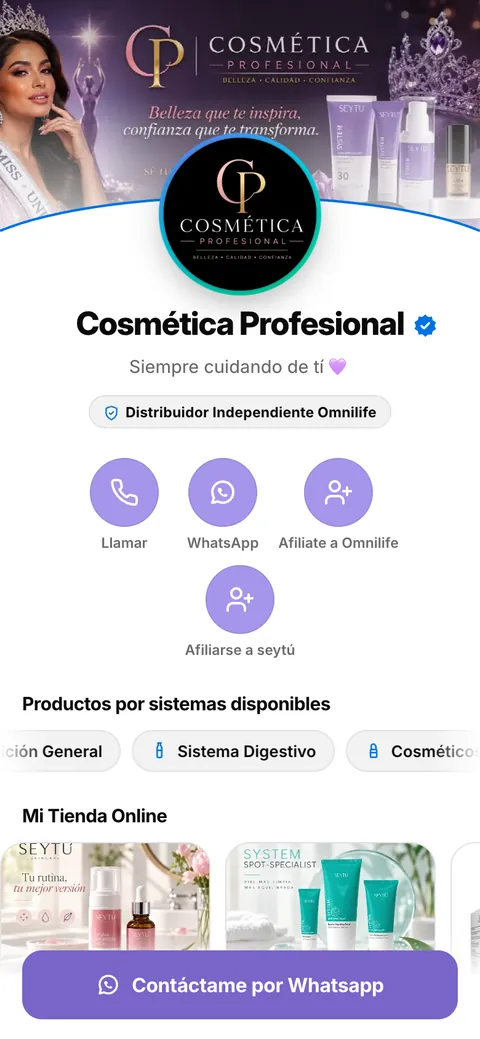
  • Profile of Cosmética Profesional
    Cosmética ProfesionalDirect sales
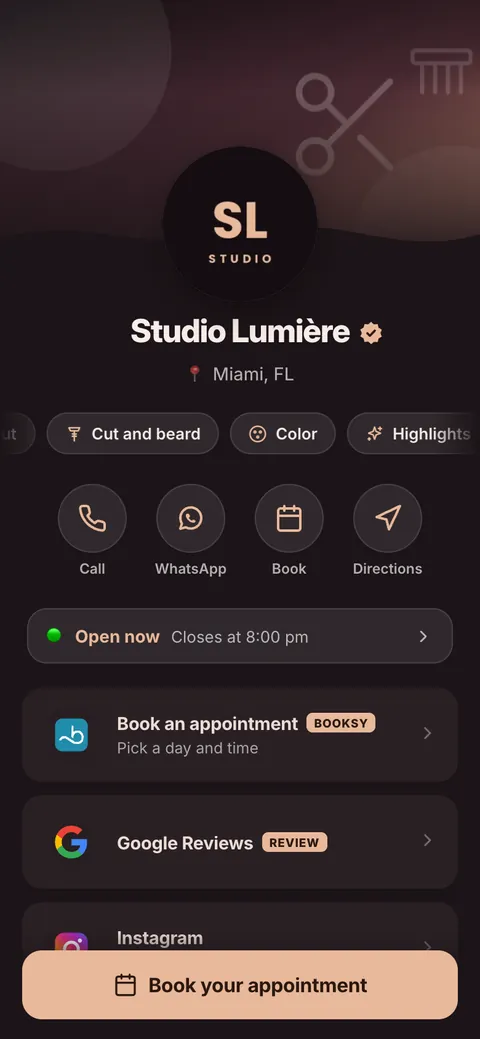
  • Profile of Studio Lumière
    Studio LumièreSalon and barbershop
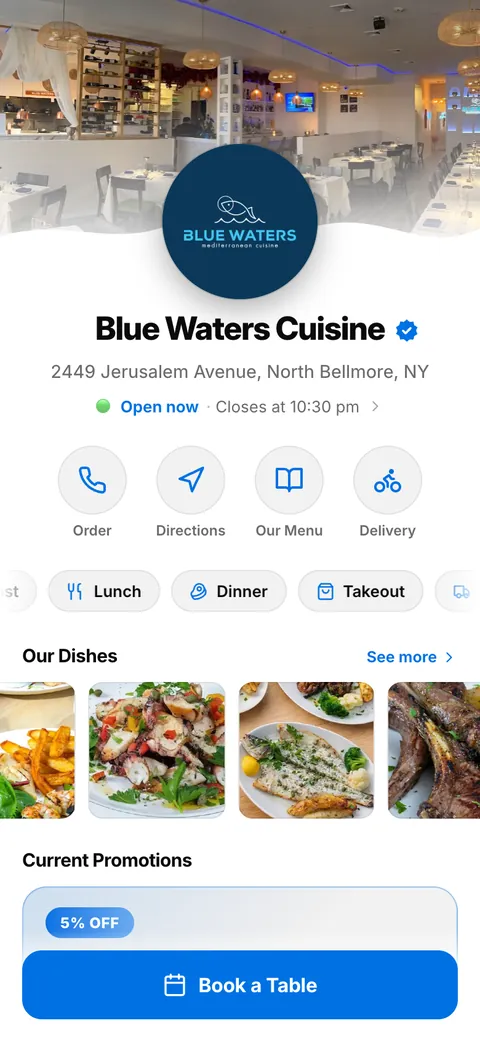
  • Profile of Blue Waters Cuisine
    Blue Waters CuisineRestaurant
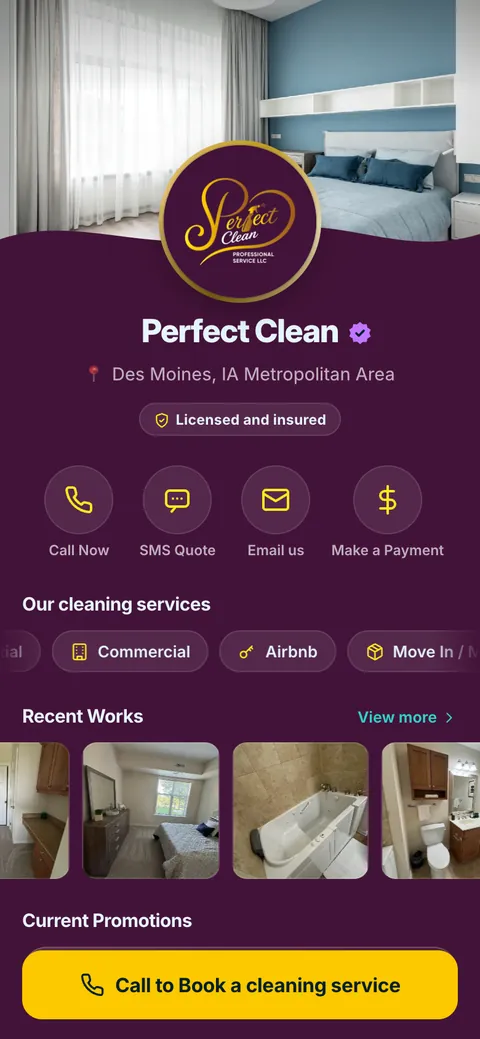
  • Profile of Perfect Clean
    Perfect CleanCleaning
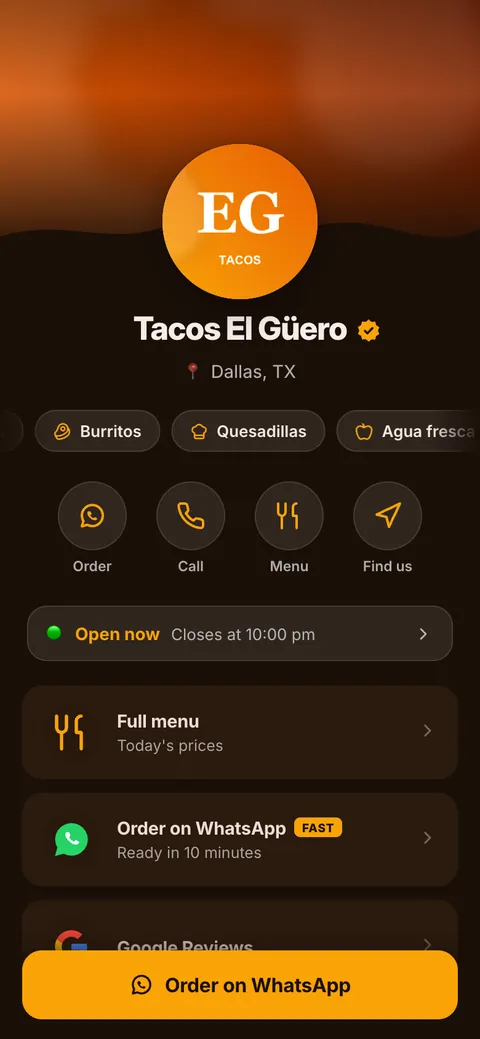
  • Profile of Tacos El Güero
    Tacos El GüeroFood truck
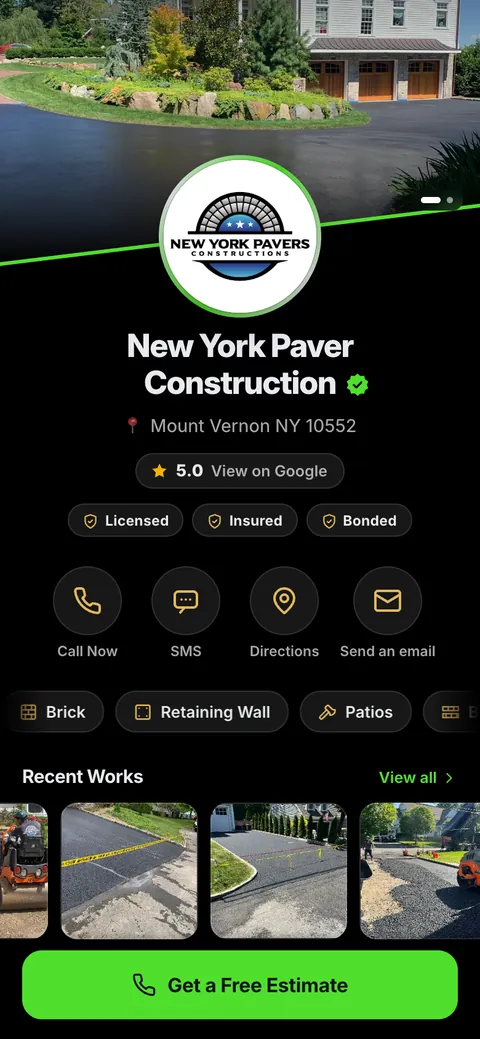
  • Profile of New York Paver Construction
    New York Paver ConstructionPaving
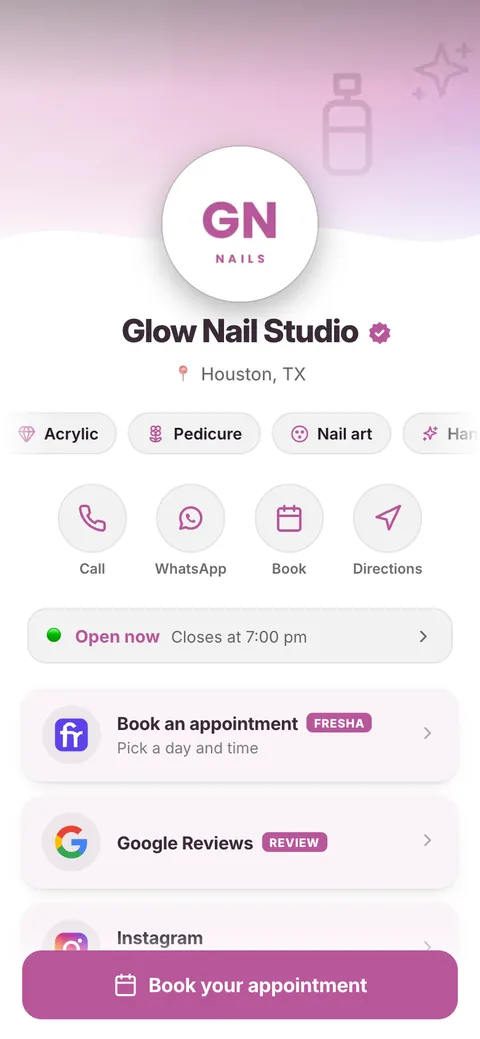
  • Profile of Glow Nail Studio
    Glow Nail StudioNails
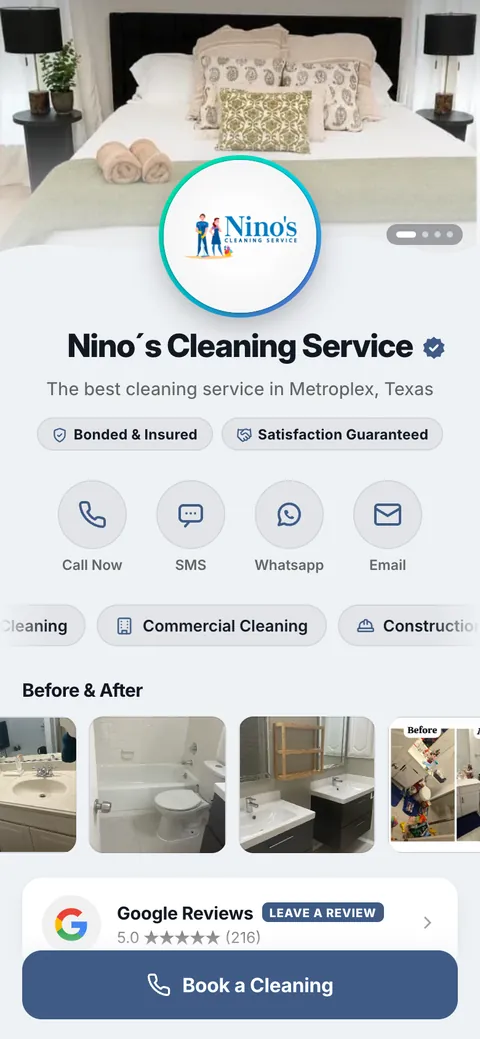
  • Profile of Nino’s Cleaning Service
    Nino’s Cleaning ServiceCleaning
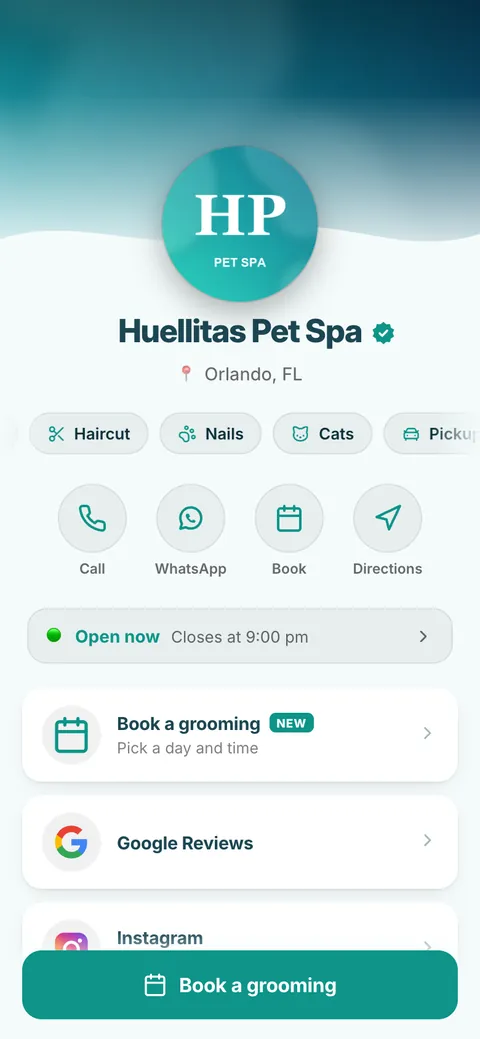
  • Profile of Huellitas Pet Spa
    Huellitas Pet SpaPet grooming
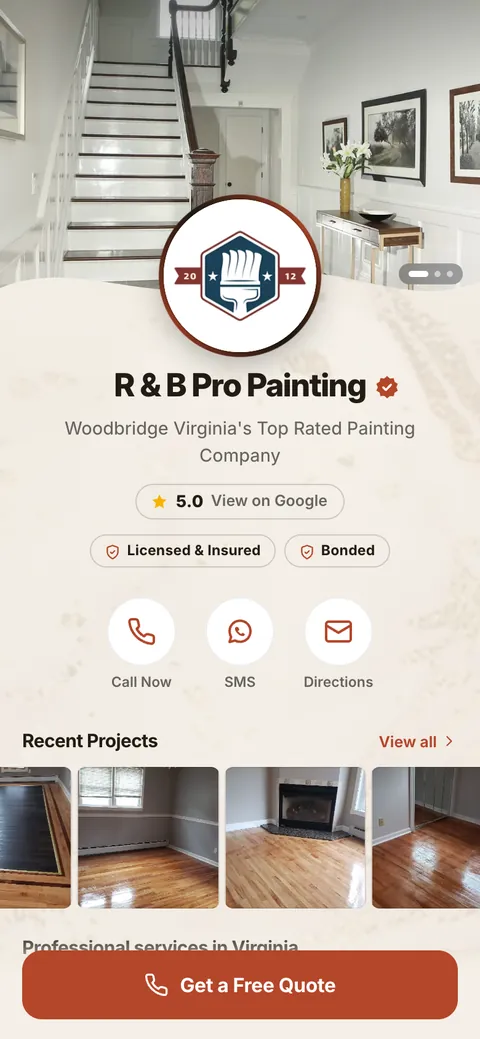
  • Profile of R & B Pro Painting
    R & B Pro PaintingPainting

Your business can look like this today.

Build your free profile in minutes, print your QR code and change it anytime without reprinting.

This QR code never expires

Some free generators give you a dynamic QR code that goes through their server first. If the trial ends or you stop paying, that QR code can stop taking people to your page, and it is already printed. The one on this page is static: the destination is written inside the QR code itself, so it works for as long as your link exists, without depending on anyone, not even us.

What a static QR code cannot do

  • Change where it goes. If your number or your page changes tomorrow, you have to print it again.
  • Tell you how many people scanned it.
  • Show more than one thing. It goes to a single destination: a link, a number or a wifi network.

That is what a BZLink.io profile is for. Your QR code goes to your profile, and your profile has your call and WhatsApp buttons, your photos and your Google rating. Change it whenever you want without reprinting and see how many people scan it. The Free plan never expires.

So it scans on the first try

  1. Make it big enoughAt least 1 inch on a business card, 4 inches on a flyer and 8 inches on a truck or a sign.
  2. Dark on lightA dark QR code on a light background. Reversed, or with two similar colors, many cameras will not read it.
  3. Keep the marginLeave the light border around it. If you place it on a photo, give it a white box.
  4. SVG for the print shopSVG scales up with no loss of quality, for signs and banners. PNG works for social media, documents and email.
  5. Test it before printingScan it with two different phones, on paper and at its real size.
Questions

Quick answers

Is it really free?

Yes. No account, no watermark and no limit on QR codes or downloads.

Does the QR code expire?

No. It is static: what it carries is written inside, so it keeps working as long as the link or the number exists.

Do you store what I type?

No. The QR code is made in your browser and what you type is not sent to any server.

Can I change the link after printing it?

Not with a static QR code. If you want to change it without reprinting, create a free BZLink.io profile and use your profile QR code.

Can I put my logo in the center?

Yes, with a Pro plan profile: your QR code gets your logo in the center, your colors and an SVG download. In this free generator the QR code has no logo.

PNG or SVG?

PNG for screens, social media and documents. SVG for the print shop: it scales up with no loss of quality.

Get started

Your next customer could scan it today.

Build your profile, print one QR code and share your whole business from one place.